
House Guide
This guide is designed to help you make the most of your stay. Inside you’ll find useful information on how to use the appliances, access Wi-Fi, and operate key features of the property. If anything is unclear, feel free to reach out.
Tips to make your stay smooth
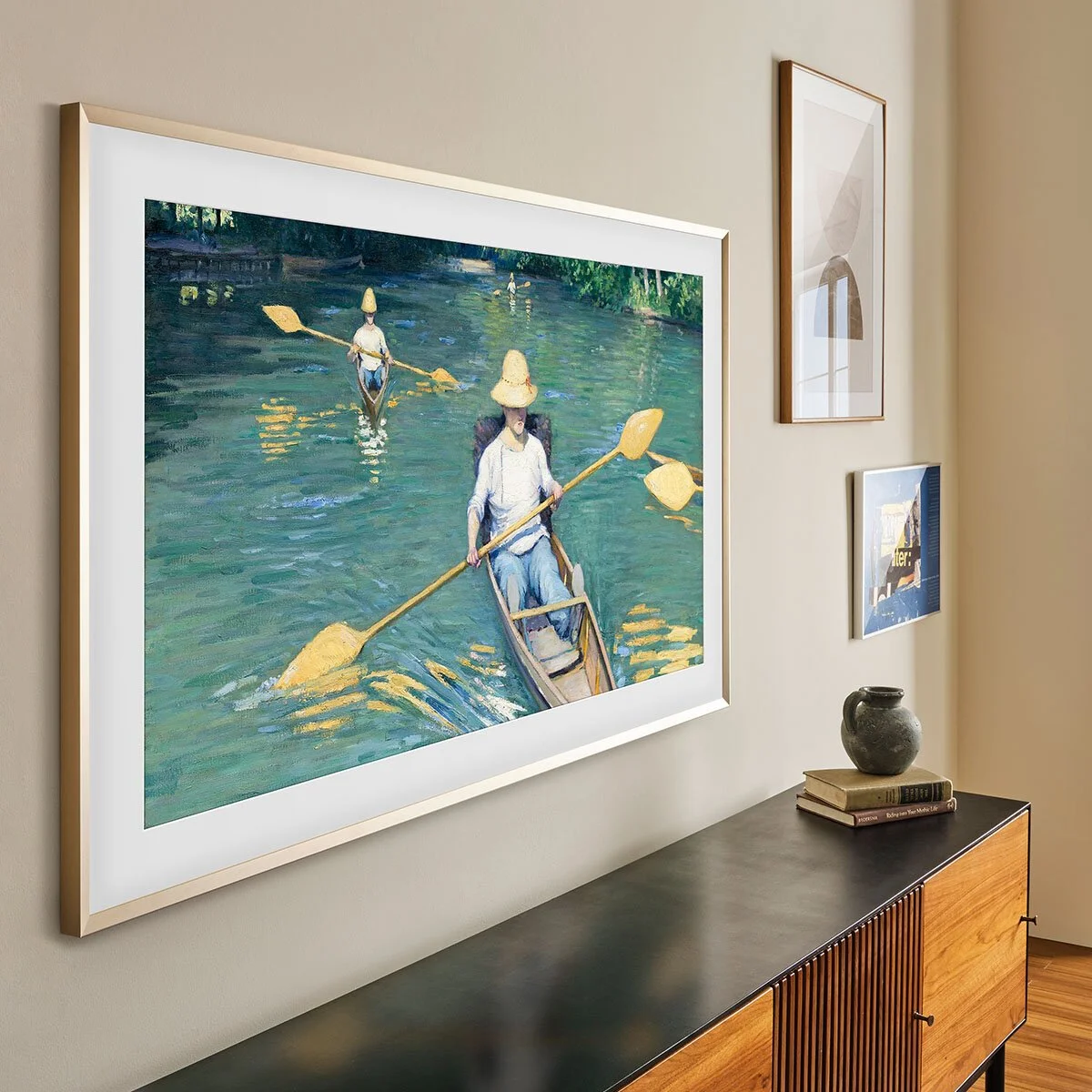
Turning off tv art for sleeping
The screen saver can be bright and distracting at night. Hold the power button on the remote to turn it off.
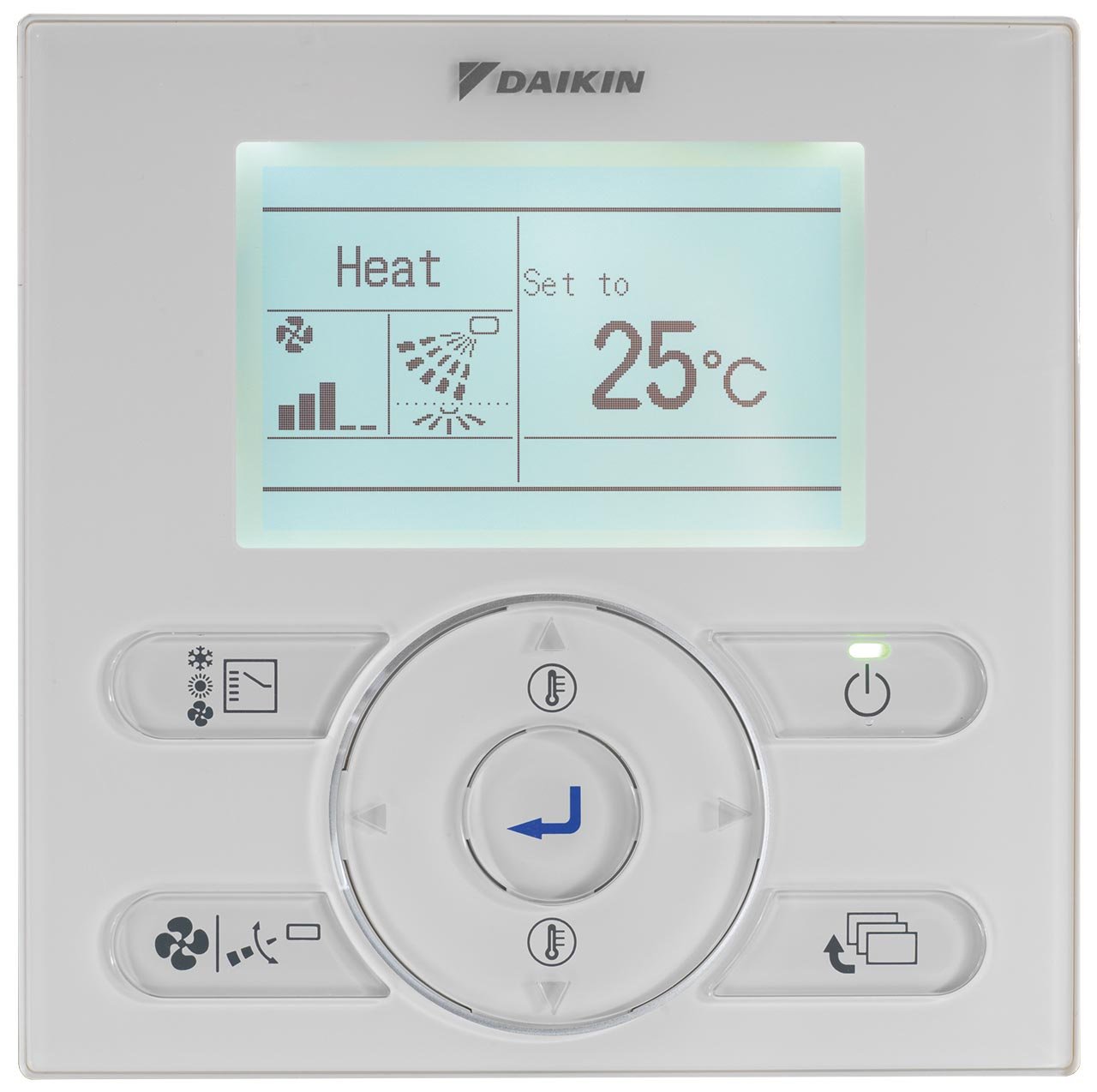
Best Aircondition Settings
The air conditioning can be adjusted from the screen to the right of the main double doors in the living room. For the best experience, keep it on the lowest fan setting as higher settings can be noisy due to the AC’s powerful output
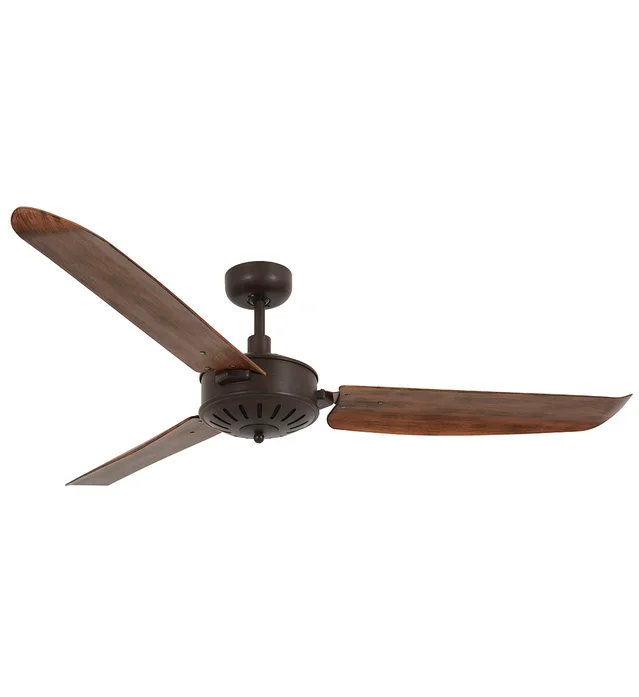
Operating the Fans
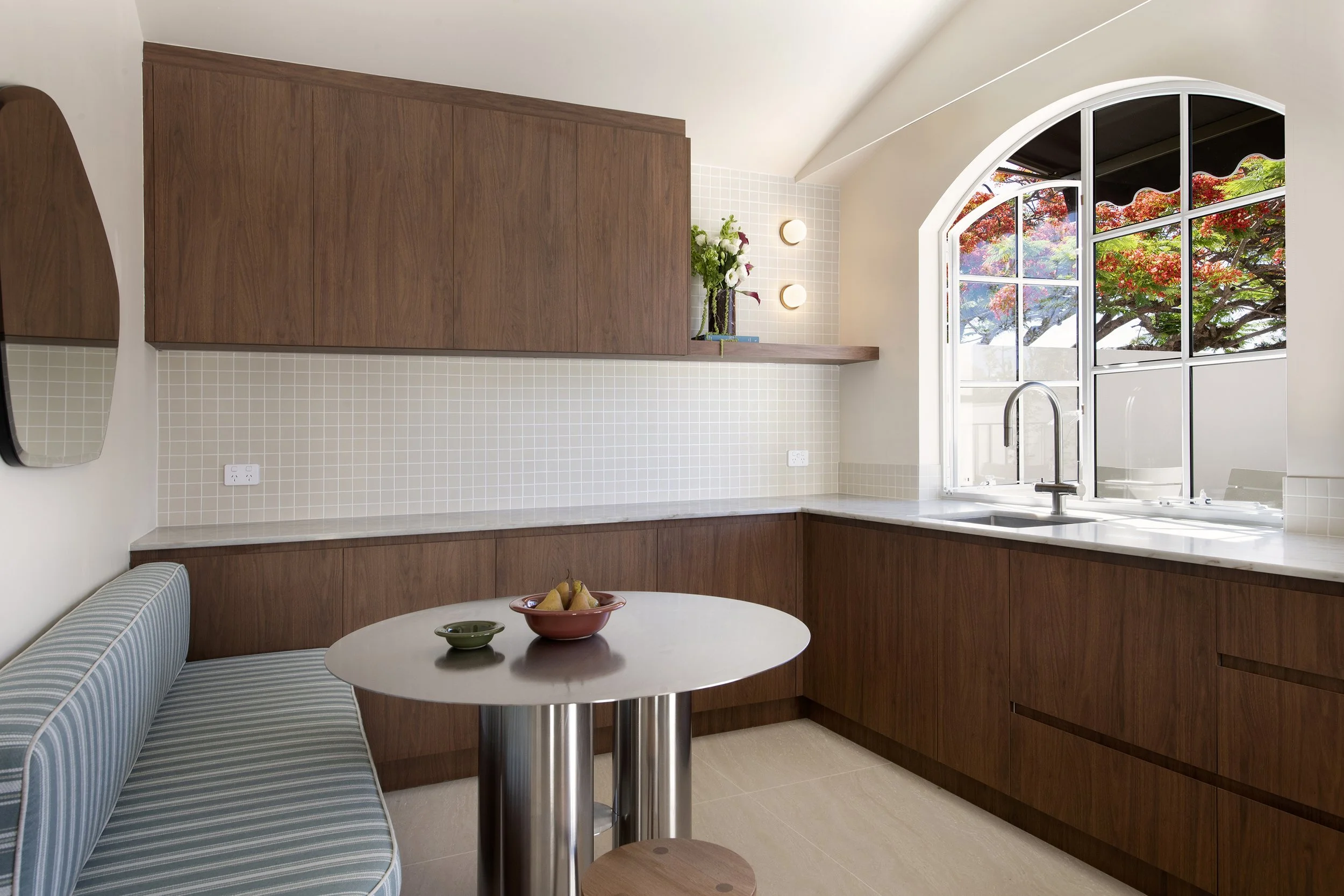
The living room fan must be turned on first via the top left wall switch to the left of the French doors above the kitchen bench. Then you can control via remote.
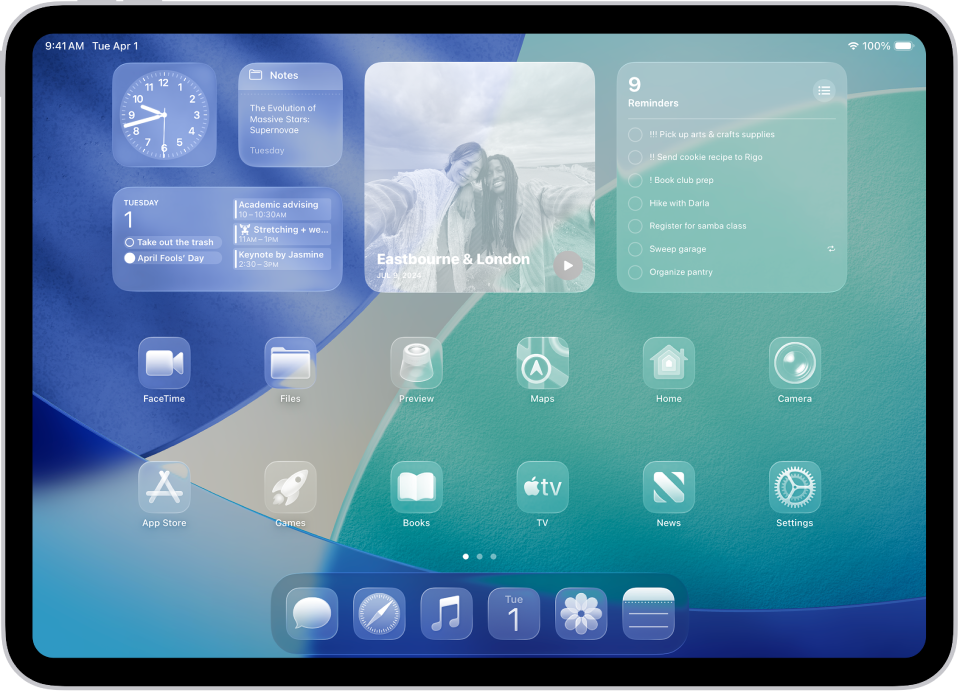
Music Control
Use the wall screen to the right of the main double doors in the living room to play music. You can also connect your device via Bluetooth.
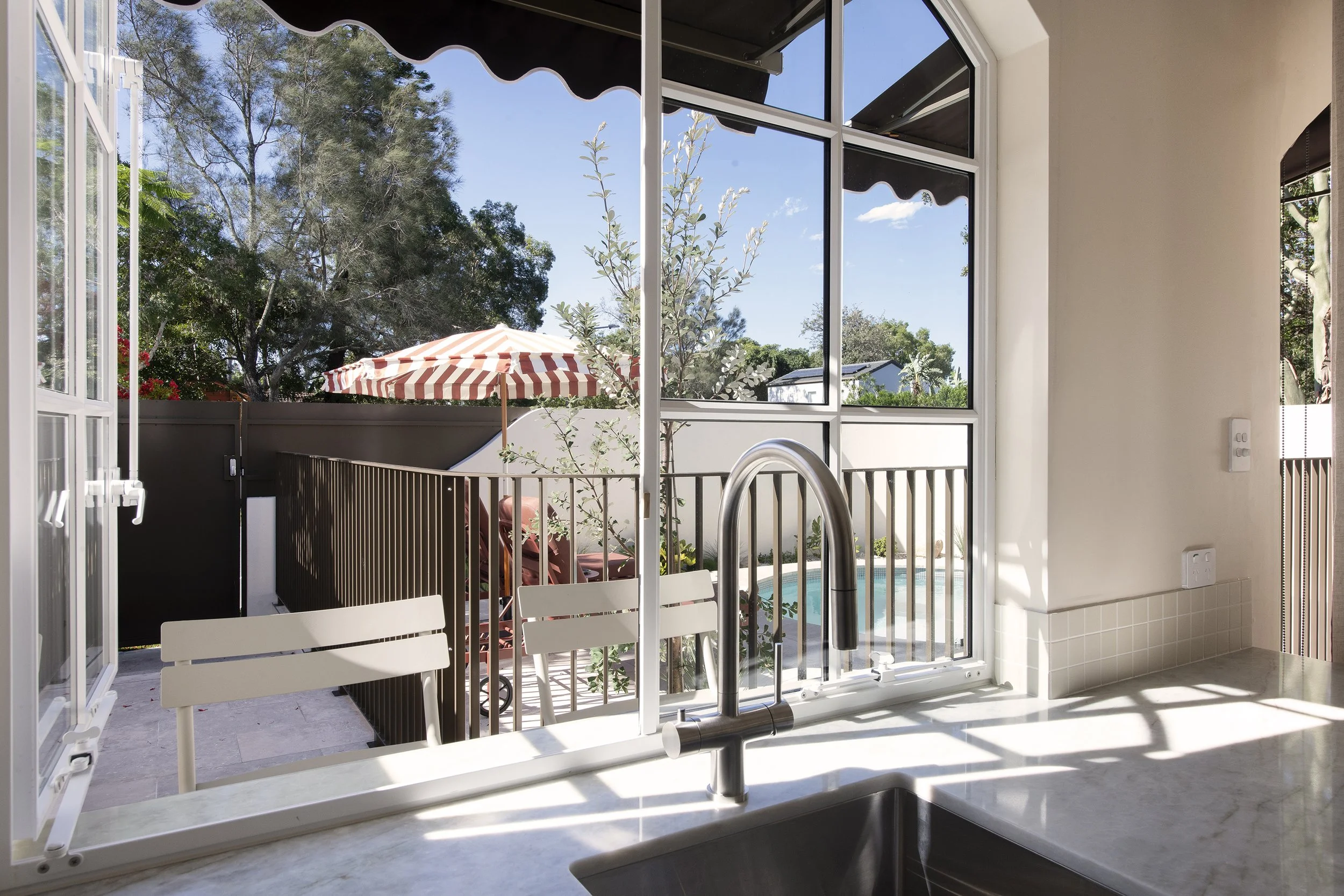
The tap on the left side of the facet is filtered water
Use the right lever for washing up and the left is unlimted filtered water
Your in house Barista
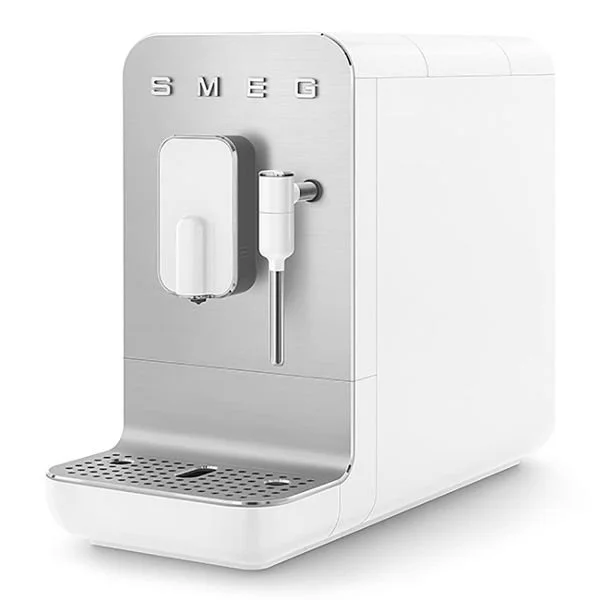
A quick guide below to put your barrista to work.
Water Refill
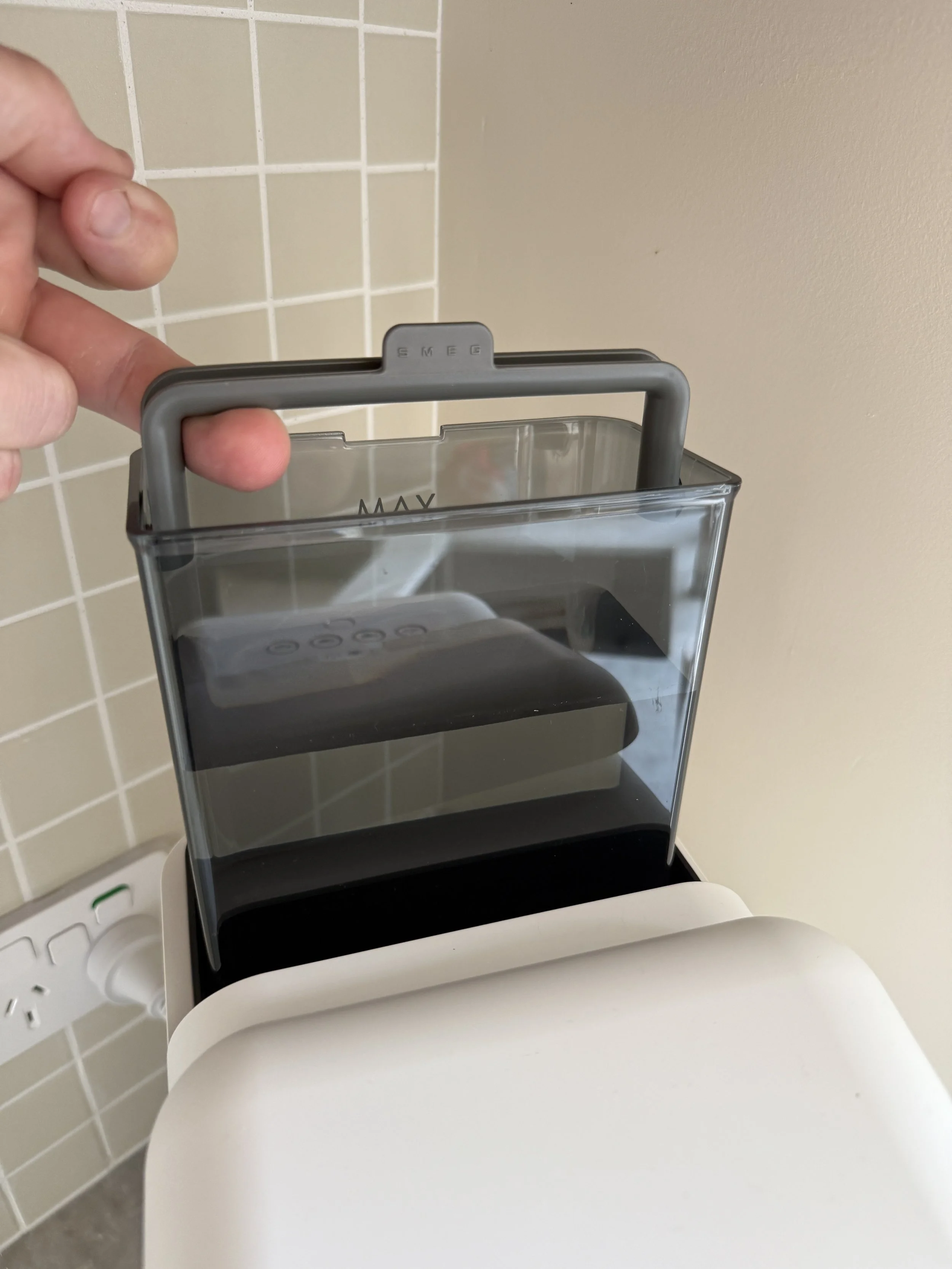
The water tank is located at the back of the machine, on the top.
Lift it out, refill with fresh water, and place it back in.
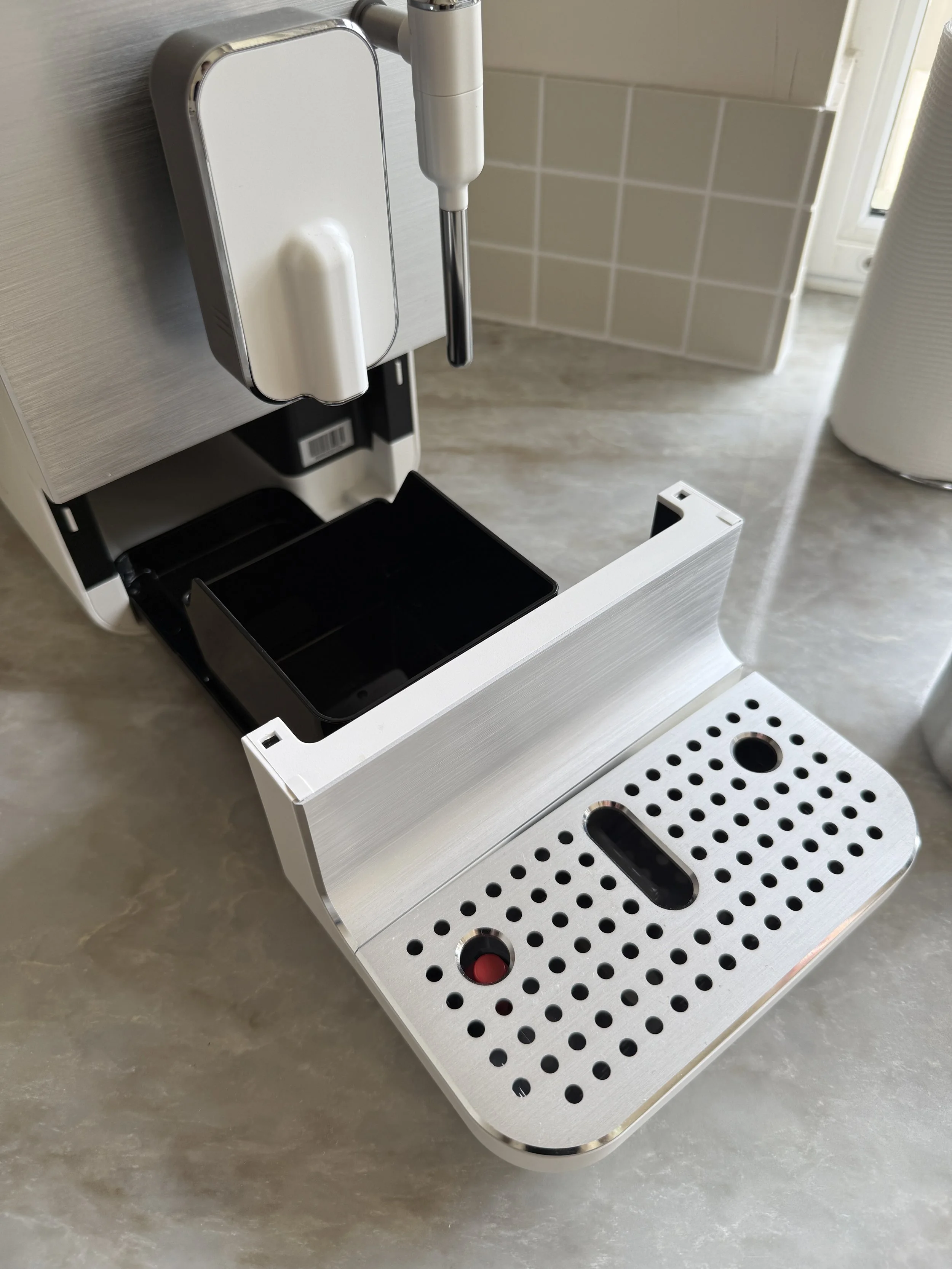
Used coffee grounds
Used coffee grounds collect under the drip tray (inside the front of the machine).
Slide the tray out and empty the grounds into the bin when full.
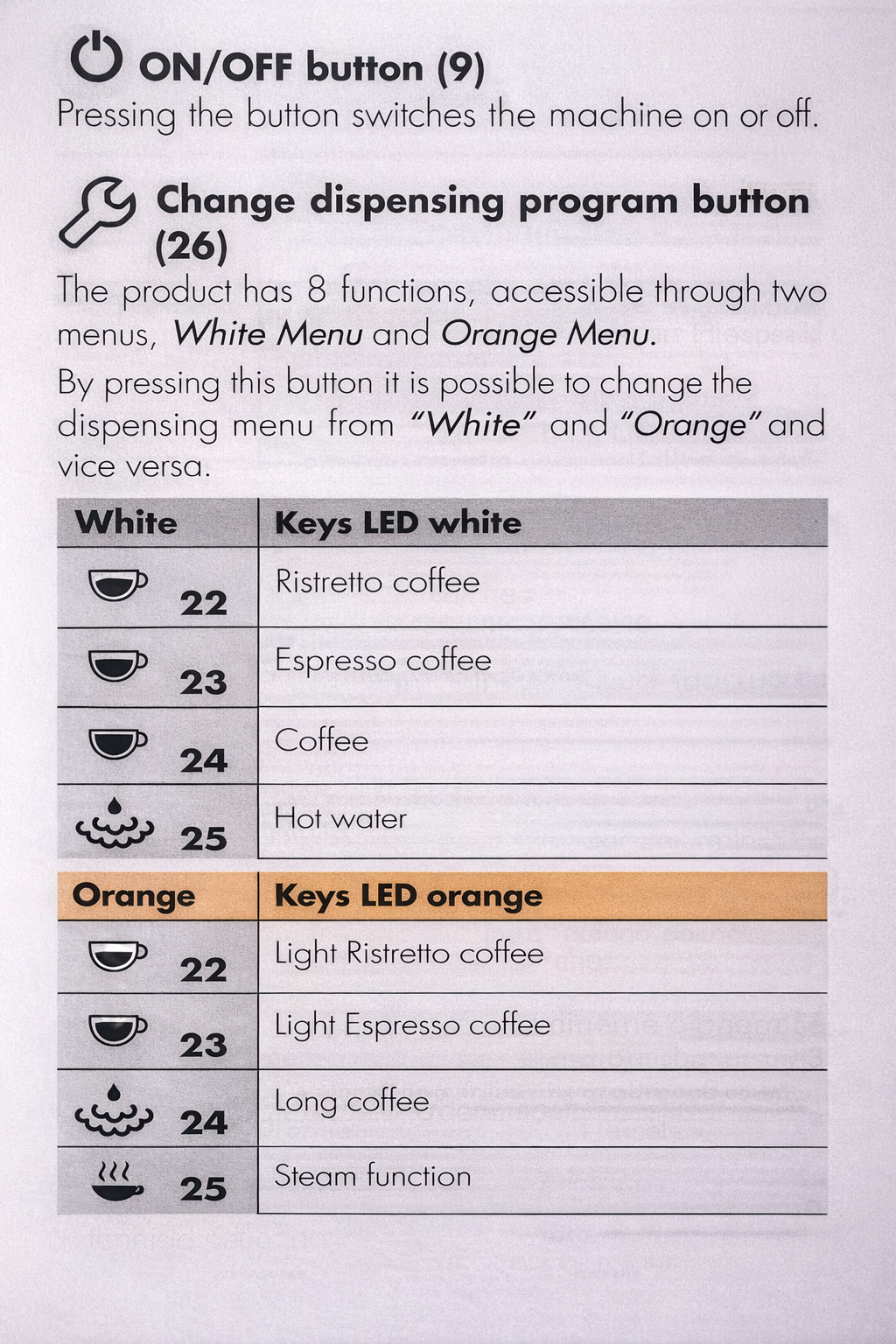
If the buttons are white, it’s normal coffee mode.
If the buttons are orange, it’s the alternate menu (long coffee or steam).
Press the spanner/wrench button to switch between white and orange.
Choose your type of coffee:
Machine stop responding?
If the machine stops responding. Please unplug the machine for a few minutes and allow for it to reset its self. Please make sure you have emptied the coffee waste.